Progress row

A place to do work inside the form: select the row, press Enter, and its work runs with a determinate bar (when it declares a step count) or an indeterminate spinner (when it does not), drawn in the row itself as the work advances. It collects no value - it sits beside the fields it depends on, not among the answers, so it's a block of its own rather than a kind of field.
use DrevOps\PhpTui\Primitive\ProgressReporter;

$p->progress('pack', 'Packing the box')
  ->steps(6) // Omit for an indeterminate spinner.
  ->work(function (ProgressReporter $reporter) use ($items): void {
    foreach ($items as $item) {
      // ... one step of work ...
      $reporter->advance(); // Fills one step of the bar (ticks the spinner).
    }
  });
Runnable script: playground/02-progress-row.php.
Options
| Method | Effect |
|---|---|
->steps(int) | The step count, making the indicator a determinate bar. Omit it for an indeterminate spinner. |
->work(Closure) | The work run when the row is activated. The closure receives a ProgressReporter and calls advance() once per step. |
The indicator is drawn by the active theme, in its accent and Unicode/ASCII mode - the same spinner and bar as the standalone progress() primitive. The row carries the cursor mark every other row you land on carries, in the same column: the indicator says what the work is doing, and the mark says whether pressing Enter would start it. The primitive takes no cursor and draws no mark.
Keyboard
| Key | Action |
|---|---|
Enter | Run the row's work |
Esc | Leave the panel |
Headless behavior
A progress row is display-only: it carries no answer, is absent from the machine schema, and an unattended run skips it.
Display modes
In all four display modes - Unicode or ASCII, color on or off:
| ANSI | No ANSI | |
| Unicode | 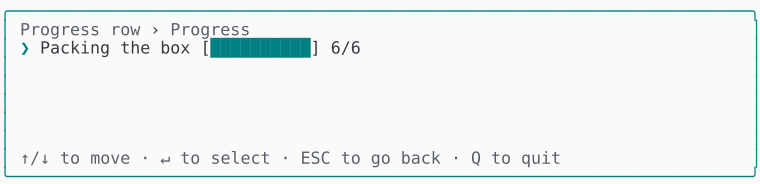 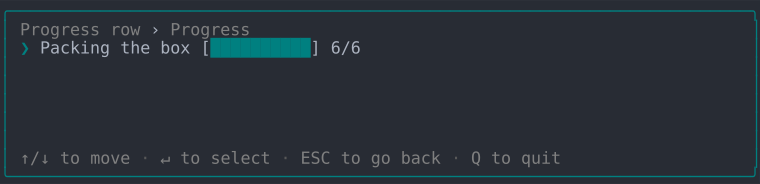 | 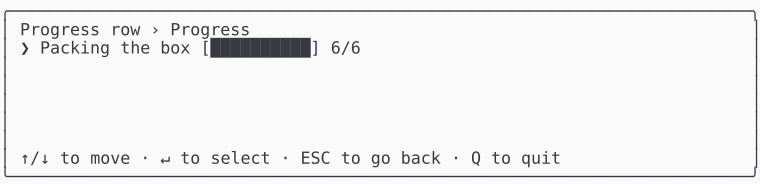 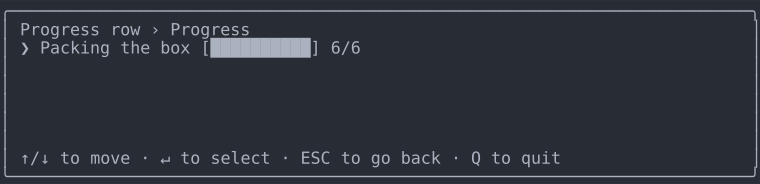 |
| ASCII | 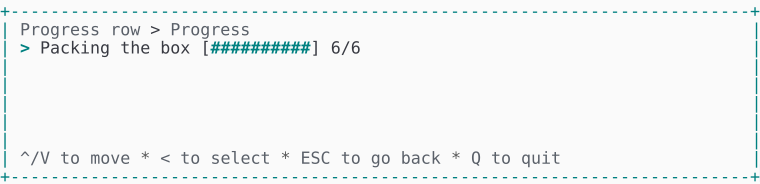 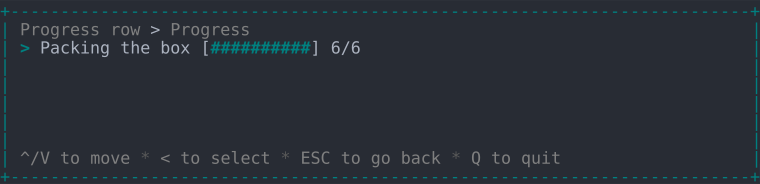 | 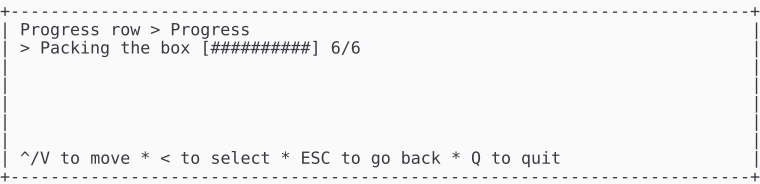 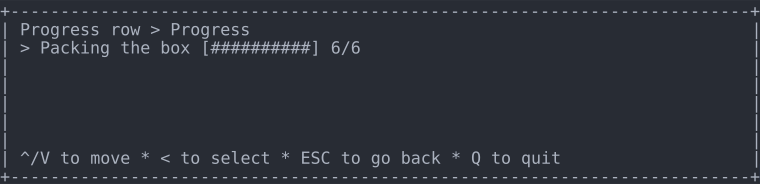 |